Package Management

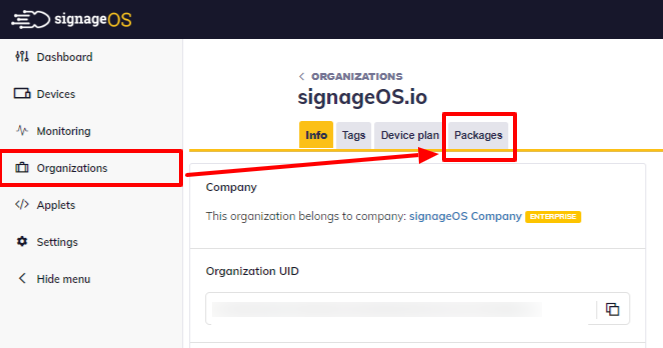
To manage Packages navigate to the Packages section in your Organization:
In the Package Manager you see all your Packages created under the Organization:
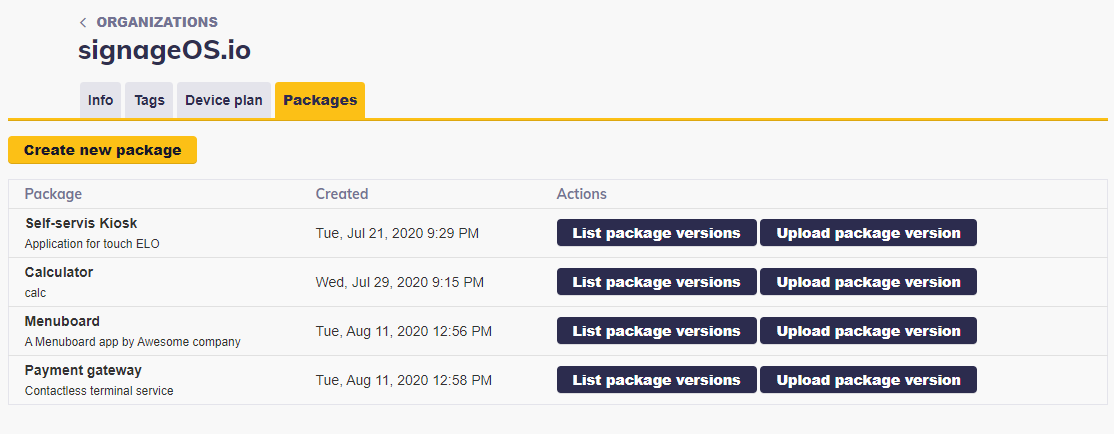
Once you click on the Package, you get to the list of all Package Versions
packagesManagement · Plan: 👑 Pro Device Plan or higherAdding new Package
- 1
Click Create new Package
Click on Create new Package button.
- 2
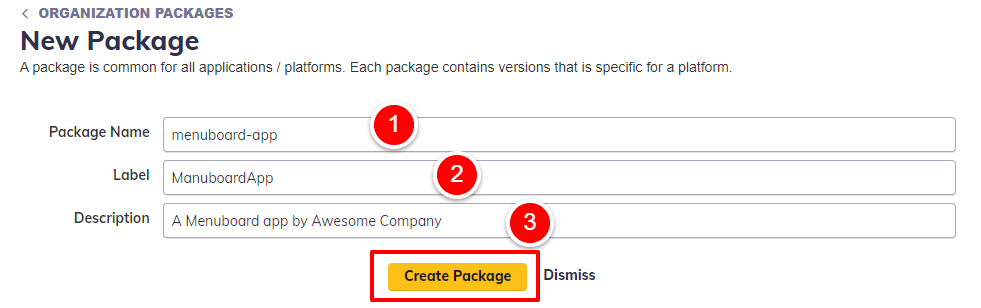
Fill in the package details
Fill in the Package Name, Label and Description and click Create Package.
- 3
Package is created
Package is created and listed within other created Packages.
Adding new Package Version
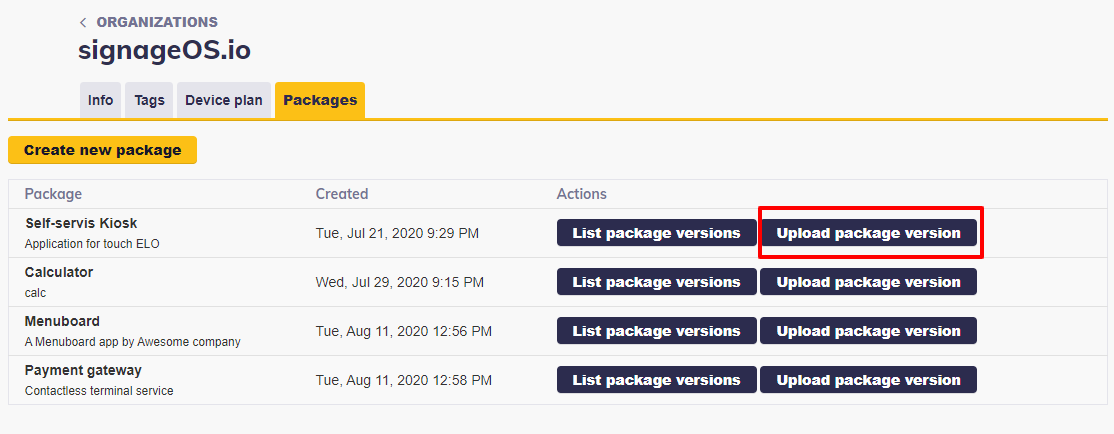
Once the Package is created you can proceed by uploading your Android APK or Linux Docker containers.
- 1
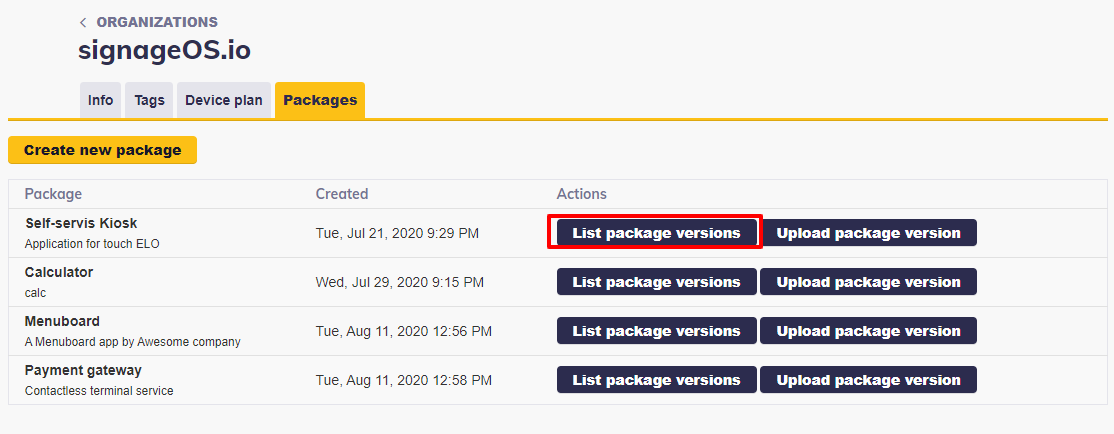
Open the Package Version List
Open the Package Version List.
- 2
Click Create new Package version
Click on Create new Package version.

- 3
Select the target platform or device
Select the target platform (Android) or device.
- 4
Locate your package file
Find in your PC the APK file or Docker container of your choice.
- 5
Create the package version
Press Create new Package Version button.
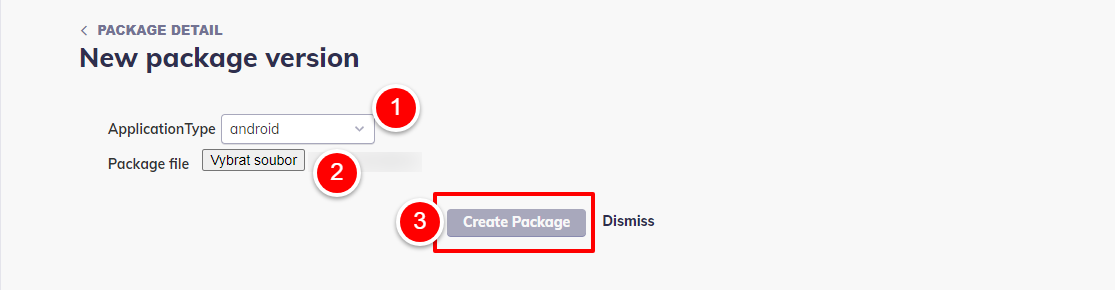
The package is then uploaded into the signageOS, processed, and made available for remote installation.
The Package version size is limited to 500 MB.