How to Add new device via Box
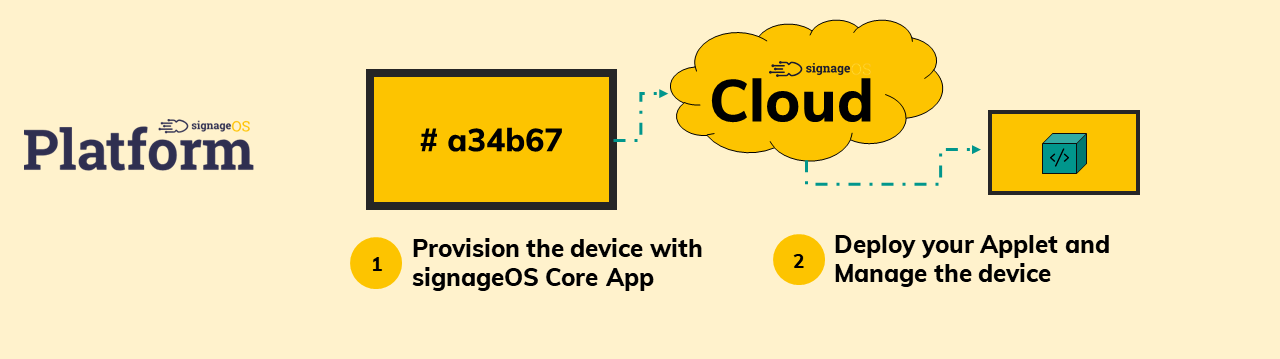
This section describes how to provision signageOS Core App on supported devices via cloud-connected signageOS Platform
Feature entitlement:
deviceManagement · Plan: Basic Device Plan or higherdanger
Are you integrating your system with signageOS? Verify and provision new devices via REST API /verification endpoint.
Platform Provisioning Process via Box
Prerequisites:
- the device is connected to the Internet and signageOS Cloud is accessible
- the device is on the Supported devices list; if not, contact our support
1) Install signageOS Core App on the device
The installation process differs from device to device, so we prepared a detailed step-by-step guide for each device. Follow the steps for devices of your choice.
2) Register device
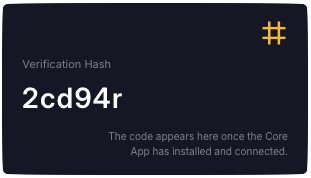
Now your device should have the Verification code generated and visible on the screen.
- Log in into your account at signageOS Box and navigate to Devices -> Add device or to Deployment -> Device verification
- Fill in the Add New Device form (paste the verification hash from the device screen)
- Set the Device name
- Optionally, set the Organization, Location, Device policy, and Tags
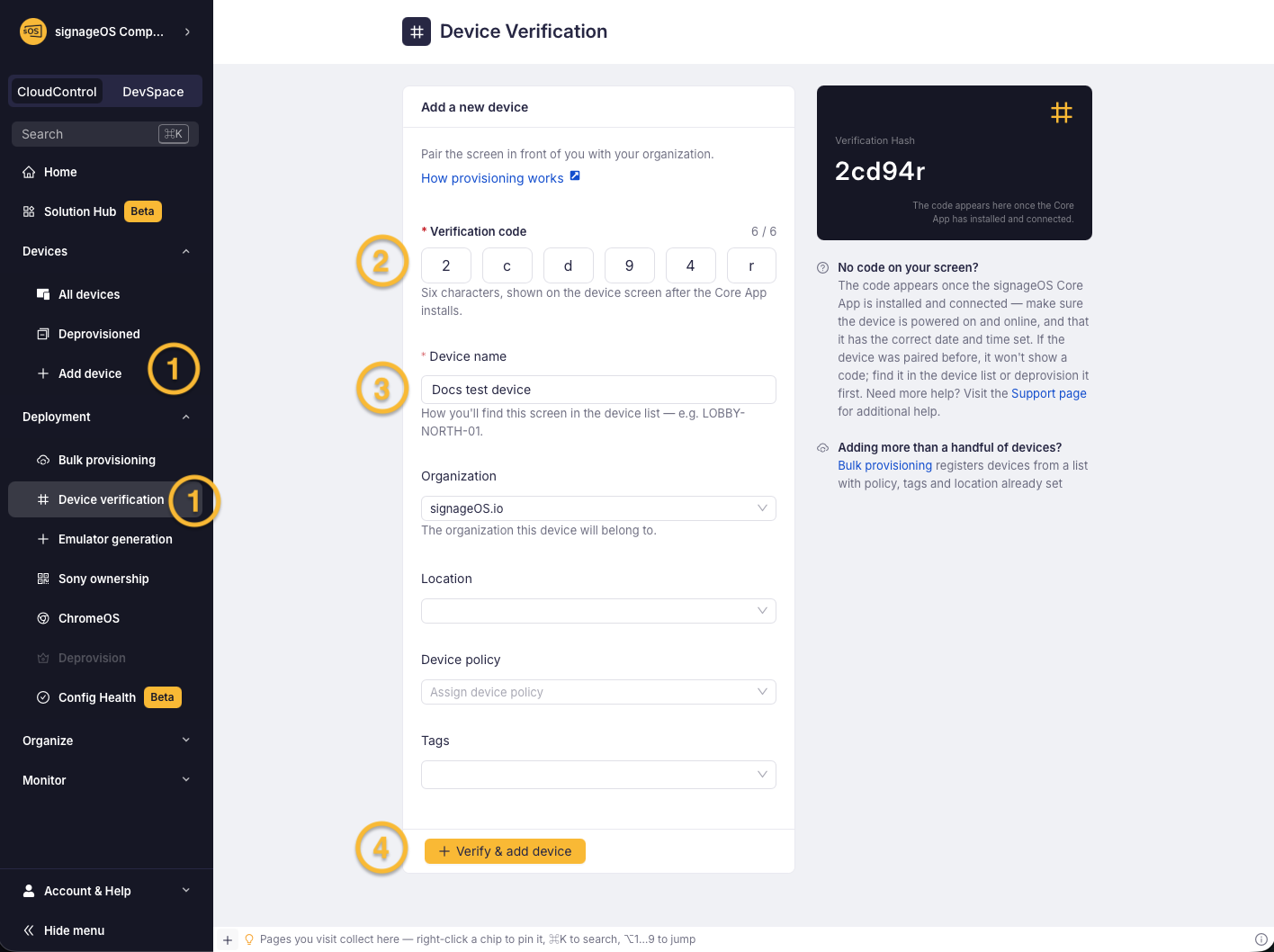
- Click on the "Verify & Add new device" button
- The device is verified, you can check it in the Devices section